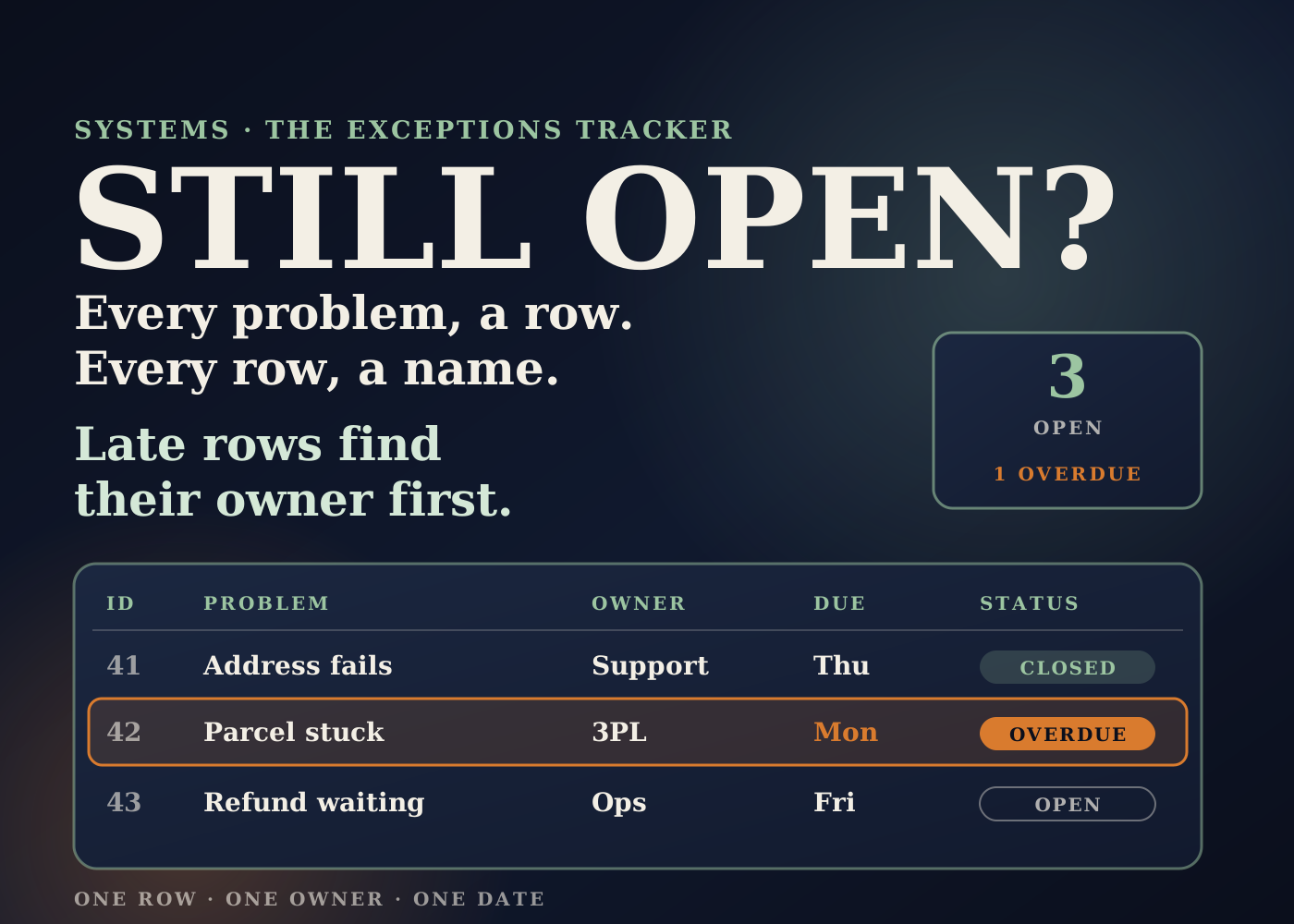
Every store has problems that don't fit anywhere. An address that won't validate. A parcel stuck at the carrier. A customer waiting on a refund. A supplier who missed a date.
Most of them get fixed. The ones that don't are the ones nobody wrote down, or wrote down in a chat thread that scrolled away.
This is the exceptions tracker I'd build in Google Sheets. One row per problem, one owner per row, one date it should be closed by. It is the tracker the other systems on this blog keep pointing to.
Table of contents
The problem: problems with no home
In a small team, exceptions arrive from everywhere. Support hears about them, the 3PL emails about them, Shopify tags them, and founders spot them.
Each person handles what lands in front of them. Nobody can see the full list, so nobody can say what is still open, who has it, or how long it has been waiting.
Project managers solved this a long time ago with an issue log. Wrike describes it as a record of the issues affecting a project, with a named person responsible for each one. An ecommerce operation needs the same thing, kept running every day.
How the system is put together
It has six parts: the columns, the dropdowns, how rows get in, how overdue rows show up, the morning digest, and who owns what.
Part 1: the columns
I'd keep it to twelve: ID, date raised, raised by, category, order or PO number, what happened, owner, priority, due date, status, resolution notes, and date closed.
These follow the standard issue log fields Wrike lists: the issue, who reported it, who is responsible, when it happened, priority, status and when it was resolved. The order number is the ecommerce addition. It lets anyone jump straight to the order in Shopify.
Part 2: dropdowns, not free text
Category, owner, priority and status should be dropdowns. Google's help page says a dropdown can pull its options from a range, and by default an entry that doesn't match the list is rejected.
That matters later. If one person types "Address" and another types "addr issue", you can't count them together. Categories I'd start with: address, stock, carrier, damage, return, refund, supplier, other.
Part 3: rows get in two ways
By hand. Anyone can add a row. Support, the warehouse, the founder. The rule is that a problem isn't real until it has a row.
Automatically. In my order-to-fulfillment system, Shopify Flow tags problem orders. On the Grow, Advanced and Plus plans, Flow's Send HTTP request action can send that order to a small Apps Script web app.
Google's docs say a POST request to a web app runs its doPost function, with the request body in the event data. The script then uses appendRow, which adds a row to the bottom of the data. I'd store a shared key in Flow's secrets, which Shopify says are hidden and redacted from run logs, and have the script reject any request without it.
On the Basic plan, Flow's Send internal email action can alert the owner instead, and they add the row by hand.
Part 4: overdue rows turn red
Google Sheets conditional formatting supports custom formulas. I'd add one rule that colours a row when its due date has passed and its status isn't Closed.
A second rule can flag any open row with no owner. Those two colours are what the team looks at first.
Part 5: the morning digest
An Apps Script time-driven trigger runs a function on a schedule. Google's docs note a trigger set for 9 a.m. can fire any time between 9 and 10, which is fine for this.
Each morning it emails every owner their own overdue rows. The daily check then starts with what is late, not with scrolling the whole sheet.
Part 6: what is automatic and what a person does
Automatic: logging tagged orders, colouring overdue and unowned rows, and the morning digest.
A person: raising problems Flow can't see, picking the owner and due date, working the problem, and writing what was done before closing it.
Ownership: the operations manager owns the tracker itself and runs a ten-minute check every day. Each row has one owner, the same idea as the single "Accountable" person in a RACI chart from my operations setup plan. Founders get the summary, not the sheet.
What it solves
Forgotten problems. If it isn't closed, it is on the list. Nothing lives only in an inbox or a chat thread.
"Who has this?" Every row has a name on it.
Slow follow-up. Overdue rows turn red and land in the owner's inbox each morning.
Status questions. The open count and overdue count go straight into the Friday founder update.
The same problem every week. Clean categories show what keeps coming back, so you fix the cause, not just the case.
The effect on the business, and how to measure it
I'm not going to quote results. I don't have published numbers for this build, and I won't make them up.
The targets come from my operations setup plan: no order unshipped past 48 hours without a named owner, and nothing sitting more than two days without being chased. Those are targets, not results.
Here is what I'd baseline for a few weeks, even if the first baseline is rough, and compare after.
Open exceptions. The count at the end of each week.
Overdue rows. Open rows past their due date, counted each day.
Rows with no owner. This should go to zero quickly.
Days to close. From date raised to date closed, by category.
Repeat categories. The top three categories each month, and whether they shrink after a root-cause fix.
Logged automatically versus by hand. If most rows are typed in, there is probably a Flow tag worth adding.
Where it shows up in the business: fewer "where is my order" contacts, fewer late shipments, faster refunds, and founders who stop asking for status because they already have it.
The bigger picture: the tracker is the hub
Most of the systems I've written about end the same way: the problem lands in the tracker. Returns log there. Low-stock alerts become rows when stock needs a decision. Order exceptions from Flow arrive on their own.
That is why I build it early. It doesn't need to be clever. It needs to be the one place everyone agrees a problem lives until it is closed.
A spreadsheet is enough for most small teams. Move to a dedicated tool when the sheet becomes hard to work in every day, not before.
Build checklist
- Count how many open problems you can find today, from every inbox and channel. That is your rough baseline.
- Create the sheet with the twelve columns and a short instructions tab.
- Add dropdowns for category, owner, priority and status, with invalid entries rejected.
- Add conditional formatting for overdue rows and rows with no owner.
- Agree default due dates per category with the team.
- On Grow or above, connect Flow's Send HTTP request to an Apps Script web app that appends rows, protected by a shared key in Flow's secrets.
- On Basic, use Flow's internal email to alert the owner, who logs the row.
- Add a time-driven trigger that emails each owner their overdue rows every morning.
- Name one tracker owner and hold a ten-minute check every day.
- Report open, overdue and closed counts in the Friday update, and review top categories monthly.
The tracker is the least exciting system on this list. It is also the one that makes the others work, because every alert needs somewhere to land and someone to own it.
Source: tool details checked against Shopify Help Center, Send HTTP request and Flow actions, Google's Apps Script web apps, installable triggers and Sheet class docs, and Google Sheets help on dropdowns and conditional formatting. Issue log method from Wrike, "What is an Issue Log in Project Management?", Artem Gurnov. The system design and the expected effects are my own operator view.
Frequently asked questions
Can Shopify Flow add rows to a Google Sheet?
Flow's actions list has no Google Sheets action. On Grow, Advanced and Plus, the Send HTTP request action can post to an Apps Script web app, which adds the row with appendRow. On Basic, Flow can send an internal email and someone logs the row by hand.
What columns should an exceptions tracker have?
ID, date raised, raised by, category, order or PO number, what happened, owner, priority, due date, status, resolution notes and date closed. They follow standard issue log fields, plus the order number.
Why use dropdowns instead of typing?
So the data can be counted. Google Sheets rejects entries that don't match a dropdown list by default, which keeps categories and statuses consistent for reporting.
What should I measure?
Open exceptions, overdue rows, rows with no owner, days to close by category, repeat categories, and how many rows were logged automatically versus by hand. Baseline them first and compare after.