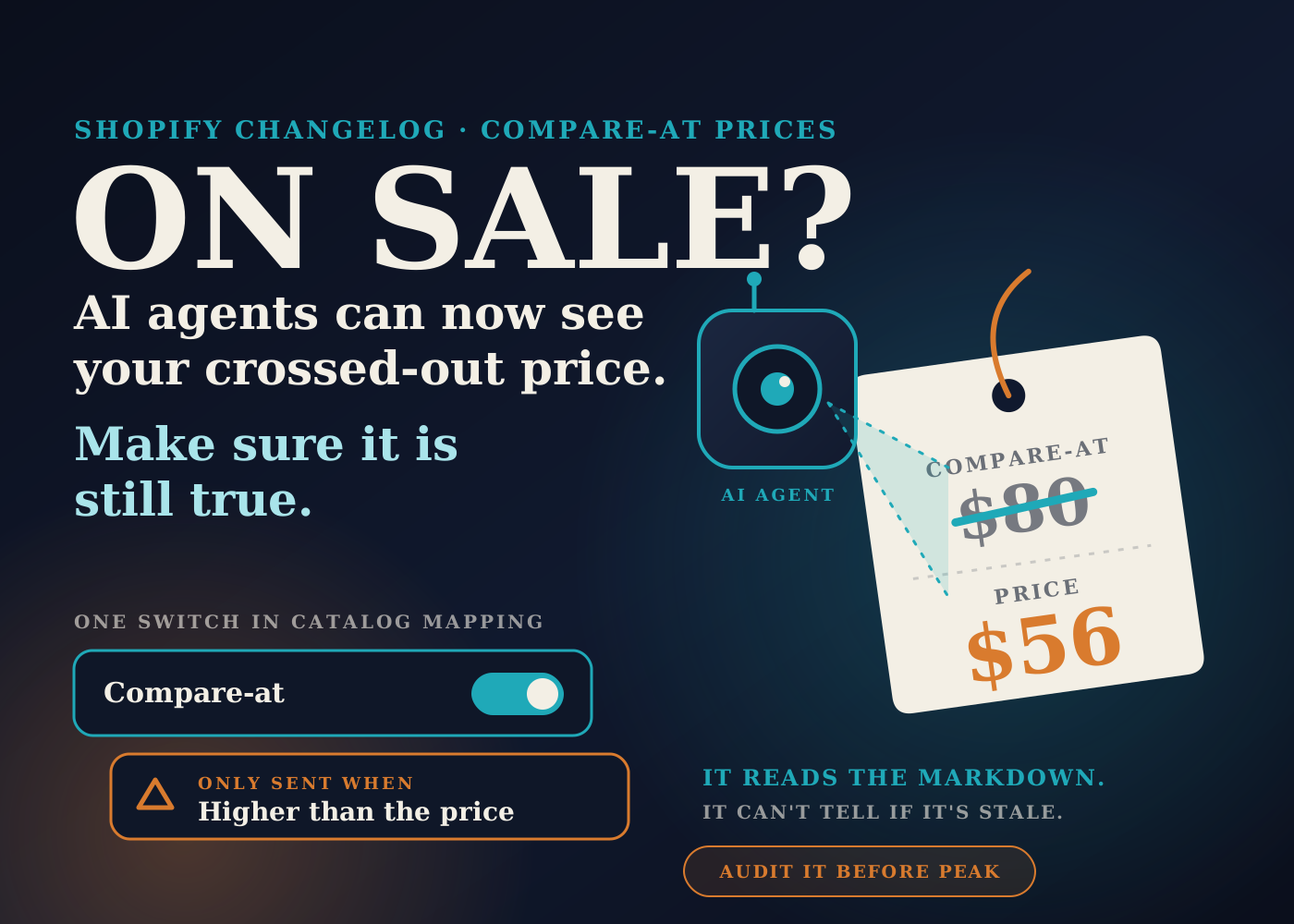
Shopify published a changelog entry on October 9 about compare-at prices. Your compare-at price is now shared with AI shopping agents through Shopify Catalog.
The point, in Shopify's words, is that agents can see when a product is marked down. Before this, the entry says, they only saw the current price.
That is useful if your compare-at prices are accurate. I've seen enough catalogs to know that field is often the least maintained number in the store. So this is a good week to look at it.
Table of contents
What Shopify announced
The changelog entry is dated October 9, 2026. It says Shopify now shares your compare-at price with AI shopping agents through Shopify Catalog.
It also says you can manage this yourself. There is a toggle in the "Compare-at" section of the Shopify Catalog mapping settings that controls whether agents get the compare-at price.
That is the whole announcement. The detail is in the Help Center.
How the setting works
Shopify's Help Center page on Catalog mapping gives the path: Sales channels, then Agentic, expand Shopify Catalog, and click "Review product data mapping".
The page says your store starts with a default selection for the compare-at switch. It also says that changing how your store uses compare-at prices does not update that setting for you.
So don't assume it is on, and don't assume it is off. Open it and look.
What gets sent
With the switch on, Shopify Catalog sends a compare-at price only if it is higher than the product's current price. The Help Center says agents might use it to advertise strikethrough pricing.
With the switch off, only the current price is sent.
For the technical readers: the page says the eligible compare-at price goes out through the list_price field in the Universal Commerce Protocol variant specification.
Two caveats from the same page
Changes are processed with a delay. The Help Center says they might not immediately affect how your products inform Shopify Catalog.
The page also says all stores can customize their product data for Shopify Catalog. I did not see a plan restriction mentioned.
Why I'd audit compare-at prices first
This is my read, not something Shopify says.
A compare-at price is a claim. It tells the shopper the product used to cost more. On your own storefront, your theme decides how loudly that claim is made.
An agent is different. You don't control how it words the markdown, and the Help Center only says it "might" show a strikethrough. I'd assume it will, and make sure the number can stand on its own.
The usual problems are boring. A compare-at price left over from a promotion two years ago. A product that has been "on sale" for so long that nobody remembers the full price being charged. Variants where one size has a compare-at price and the others don't.
Discount and bundling apps are another source. Some of them write to the compare-at field. If you have installed and removed a few over the years, I'd check what they left behind.
Markets matter too. Shopify's sale pricing page says fixed prices in a market override the prices and compare-at prices set in your admin. If you sell internationally, the number you see on the product page in admin may not be the only one in play.
I'm not a lawyer, and the sources here say nothing about pricing rules. But a reference price is the kind of claim I'd want to be able to back up if someone asked. If you are unsure about yours, ask whoever advises you.
The bigger picture: agents read your data, not your design
A theme can hide a lot. A badge can be switched off. A messy field can sit unused because the template never shows it.
Agents don't see the theme. They get the product data. I wrote about the checkout side of this in AI agents can now check out on your Shopify store, and the same point applies one step earlier, at discovery.
It is also the same pattern I covered yesterday in Shopify writing your store policies from your settings. What you configured is becoming what the customer is told, with less of your own wording in between.
With peak season close, this matters more than usual. Most stores are about to change a lot of prices in a short window. I'd rather go into that with a clean compare-at field than clean it up afterwards.
None of this needs AI to fix. It is a spreadsheet job. I made the broader case for that kind of work in where AI actually helps run a Shopify backend.
What I'd check this week
- Read the October 9 changelog entry, then go to Sales channels, Agentic, Shopify Catalog, and open "Review product data mapping".
- Find the Compare-at section and note whether the switch is on or off today.
- Export your products and filter for every variant that has a compare-at price.
- For each one, ask whether the product is actually on sale right now. If not, clear the field.
- Look for compare-at prices that are equal to or lower than the price. They won't be sent, but they are a sign the field isn't being maintained.
- Check that variants of the same product are consistent, unless the difference is deliberate.
- Review any discount, bundle or pricing app that can write to the compare-at field, including ones you have uninstalled.
- If you use fixed prices in Markets, review the compare-at prices there as well.
- Decide on purpose whether the switch should be on. If you can't vouch for the numbers yet, turn it off until you can.
- Remember that changes are processed with a delay. Make them well before a promotion starts, not on the morning of it.
- Add "set and clear compare-at prices" to your sale launch and sale end checklists, with one named owner.
A markdown is only worth showing if it is real. Check the field, then decide about the switch.
Source: Shopify Changelog, October 9, 2026, Shopify Help Center, Shopify Catalog mapping, and Shopify Help Center, sale pricing.
Frequently asked questions
What did Shopify change about compare-at prices?
According to the October 9, 2026 changelog, Shopify now shares your compare-at price with AI shopping agents through Shopify Catalog, so agents can see when a product is marked down.
Where is the setting that controls this?
In your Shopify admin, go to Sales channels, then Agentic, expand Shopify Catalog, and click "Review product data mapping". The switch is in the Compare-at section.
Is every compare-at price sent to AI agents?
No. The Help Center says a compare-at price is sent only if it is higher than the product's current price. If the switch is off, only the current price is sent.
Do changes to the setting take effect right away?
Not necessarily. The Help Center says changes are processed with a delay and might not immediately affect how your products inform Shopify Catalog.