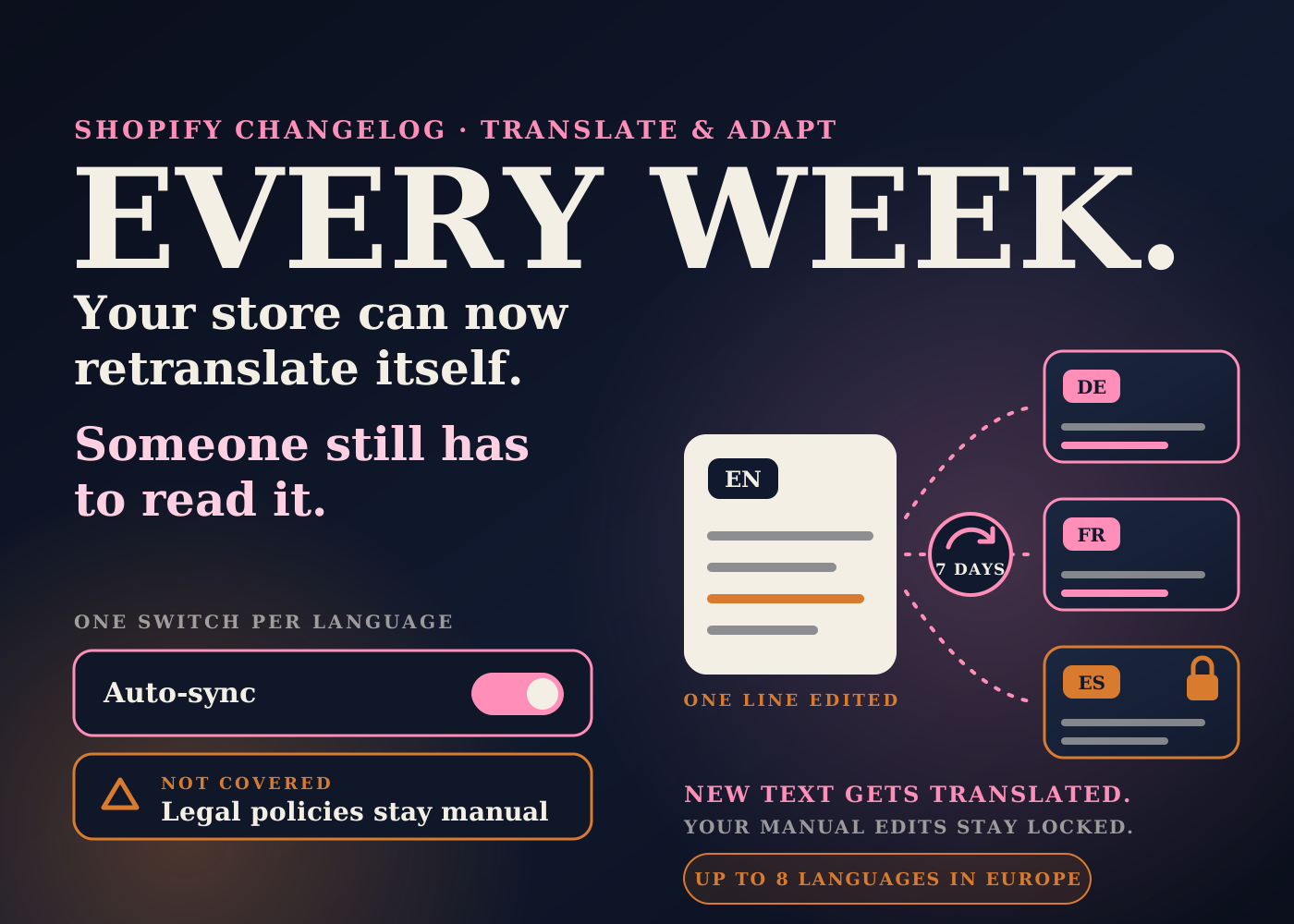
Shopify's free translation app can now keep a European store's translations up to date on its own. You switch it on per language, and it retranslates new and changed content once a week.
That is useful. It also means text is going live in languages nobody on your team may read, on a schedule nobody is watching.
Here is what changed, what the app still won't touch, and what I'd check before turning it on ahead of peak.
Table of contents
What changed
On October 9, 2026, Shopify's changelog announced an update to the Translate & Adapt app for merchants in twelve countries: Austria, Belgium, Denmark, France, Germany, Ireland, Italy, the Netherlands, Spain, Sweden, Switzerland and the UK.
Two things are new. First, a setting called Auto-sync. Turn it on for a published language and Shopify translates new and updated content automatically each week.
Second, the limit on automatically translated languages for these stores went from 2 to 8.
The changelog also says the "Auto-translate" button is now called "Translate now" for these stores. It is the one-off version: you press it when you want a translation run right away.
Stores everywhere else keep the old setup. Shopify's help page says they can translate up to 2 languages automatically, and they have to run the translation again after content changes.
How Auto-sync actually behaves
The details are on Shopify's help page for automatic translation. A few of them matter a lot for operations.
1. It is off by default, and it is per language
Nothing changes until you open Translate & Adapt, pick a language and flip the Auto-sync toggle. You do that for each language separately.
2. It does not run when you switch it on
The help page says Auto-sync doesn't translate a language right away. The first run happens at the next weekly Auto-sync time, which can be up to a week later.
After that, content is translated on the same day and time each week. If you need it sooner, that is what "Translate now" is for. Shopify says you get an email when it finishes, and that larger stores can take a few hours.
3. It leaves your manual translations alone
Automatic translation adds missing translations and updates outdated machine translations. It does not change any translation you added or edited by hand.
4. Legal policies are not included
The help page is direct about this: store legal policies can't be translated automatically. You translate them manually.
5. Some theme content only gets filled in, not refreshed
For certain theme content, Shopify says only missing translations are added, and existing translations aren't updated.
6. Language choices stick
Once a language has been translated automatically, you can't switch that automatic translation to a different language. Removing a language from the store doesn't reset the limit either.
What I'd check before switching it on
This part is my read as an operator, not something Shopify says.
Who reads the output. Shopify's help page tells merchants to review automatic translations for accuracy. With a weekly sync, that is no longer a one-time job. I'd name one person per language, or agree that a language without a reviewer doesn't get Auto-sync yet.
The parts that carry risk. Size guides, care instructions, ingredients, shipping times and anything with a number or a promise in it. A clumsy product description is a small problem. A wrong shipping promise in German becomes a support ticket in German.
Your policies. Because legal policies are manual, a change to your English returns policy does not reach the other languages on its own. I'd put "update translated policies" on the same task as any policy edit.
Theme text that changes often. Announcement bars and banners are the places I'd look first. If a piece of theme content already has a translation and Shopify only fills in missing ones there, an edited shipping cutoff could stay old in the other languages. I'd test it on one banner before trusting it.
Manual edits going stale. The protection on manual translations cuts both ways. If you hand-fixed a French product description and later rewrite the English, my reading is that the French stays as you left it. I'd keep a short list of what was edited by hand.
Timing before a launch. With up to a week before the first sync, switching it on the day before a sale won't help. For launch content I'd use "Translate now", allow a few hours, and have it reviewed before the campaign goes out.
Which eight languages. Since choices can't be swapped and removing a language doesn't free the slot, I'd pick from where orders and traffic already come from, not from a wish list.
The bigger picture: more of the store now updates itself
This is the third change this week where Shopify takes over something merchants used to do by hand.
It can now write and update store policies from your settings. It shares compare-at prices with AI shopping agents. And now it can retranslate a storefront every week.
In each case the work doesn't disappear. It moves from doing the task to checking the inputs and reading the output.
For a brand selling across Europe, that is a good trade. Translation backlog is a real drag on launches. But a store that changes itself weekly needs a named owner and a short review habit, the same as any other automation.
If you are also sorting out European shipping, the move of shipping rates into Markets is worth reading alongside this.
Auto-sync checklist
- Confirm your store is in one of the twelve eligible countries. If not, you still have 2 automatic languages and a manual re-run.
- Choose your languages from real order and traffic data. The choice can't be swapped later.
- Name a reviewer for each language before turning Auto-sync on for it.
- Turn it on one language at a time, and note the weekly sync day and time.
- Remember the first sync can be up to a week away. Use "Translate now" for anything urgent.
- After the first run, read the pages that carry promises: sizing, care, shipping times, product claims.
- Translate your legal policies by hand, and add that step to every future policy change.
- Edit one banner or announcement bar and check whether the translated version follows.
- Keep a list of translations you edited manually, so they get revisited when the source text changes.
- Tell support which languages are live, so tickets about wording come back to the reviewer.
Auto-sync removes the chore of re-running translations. It doesn't remove the need for someone to read them. Decide who that is first, then turn it on.
Source: Shopify Changelog, October 9, 2026 and Shopify Help Center, translating content automatically with Translate & Adapt.
Frequently asked questions
Which stores get Auto-sync and 8 languages?
Shopify's changelog lists merchants in Austria, Belgium, Denmark, France, Germany, Ireland, Italy, the Netherlands, Spain, Sweden, Switzerland and the UK. Stores in other countries can translate up to 2 languages automatically and re-run the translation themselves.
Does Auto-sync translate my store as soon as I turn it on?
No. Shopify's help page says the first translation happens at the next weekly Auto-sync time, which can be up to a week later. Use "Translate now" if you need it sooner.
Will Auto-sync overwrite translations I wrote myself?
No. Shopify says automatic translation adds missing translations and updates outdated machine translations, and doesn't change translations you added or edited manually.
Does it translate my store policies?
No. Shopify's help page says legal policies can't be translated automatically. They have to be translated manually.