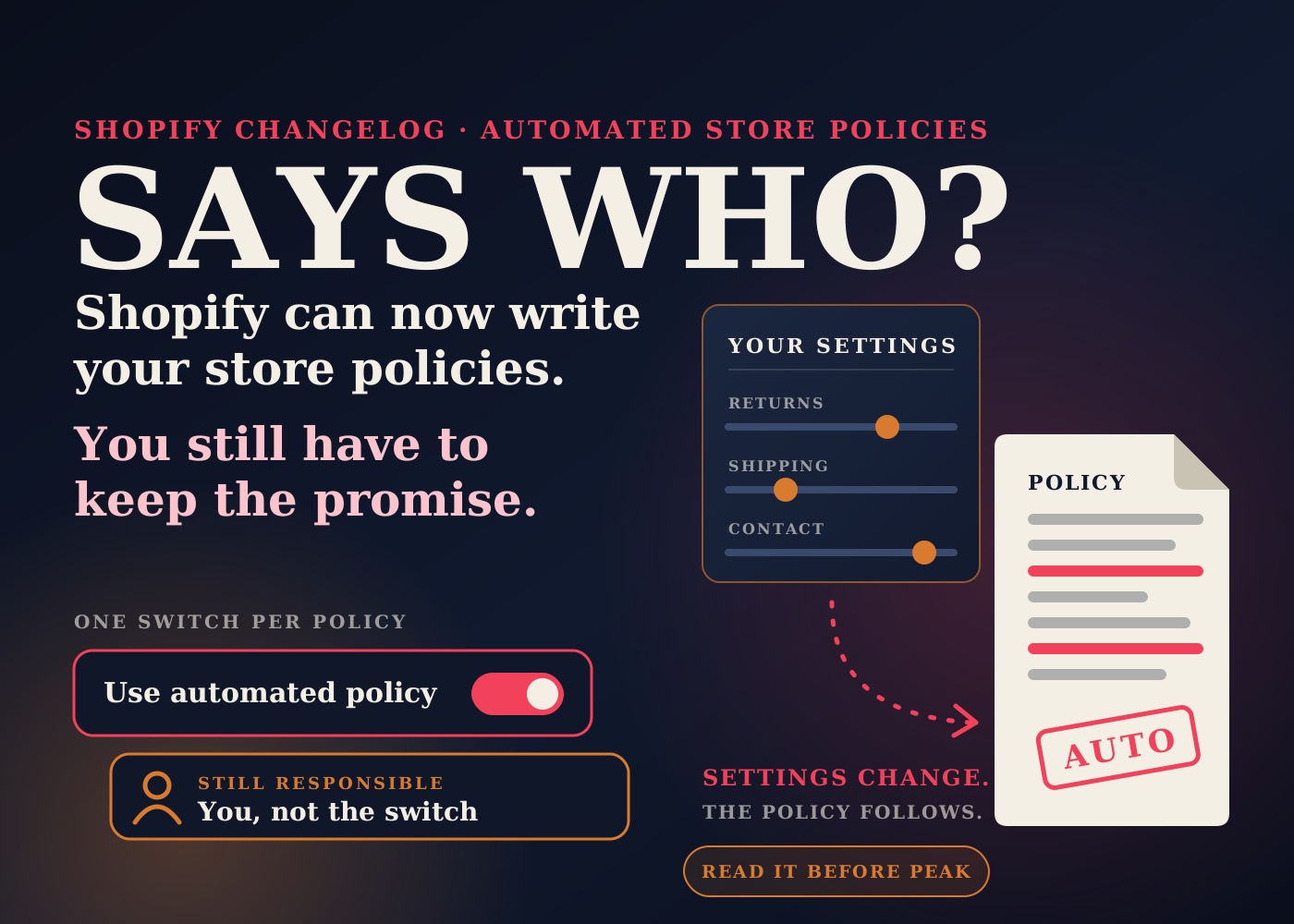
Shopify published a changelog entry on October 8 about store policies. You can now switch on automation for five of them, and Shopify will write the policy and keep it updated.
The entry frames this as a way to launch faster and expand into new markets. That is fair. Writing policies is one of the jobs that holds up a launch.
My interest is different. A policy is a promise your support and fulfillment teams have to keep. If the text can now change when a setting changes, I want to know what it says before a customer quotes it back to me.
Table of contents
What Shopify announced
The changelog names five policies you can automate: return and refund, contact information, terms of service, shipping, and legal notice.
It says automated policies stay up to date as your store settings change, and stay in sync with Shopify's recommendations.
It also says, in plain words, that you remain responsible for your policies and for your store's compliance with applicable laws.
How to turn it on
Go to Settings, then Policies, in your Shopify admin. Select the policy, enable "Use automated policy", and click Save.
It is set per policy. The steps describe selecting one policy and switching it on, so you can automate one and leave another as your own text.
What the Help Center adds
Shopify's Help Center page on store policies says policies are automatically linked in the footer of your checkout pages. So whatever the policy says, every buyer can reach it from checkout.
The same page says Sidekick can insert a policy template and edit policy wording, but it can't change a policy that has "Use automated policy" turned on.
The privacy policy is a separate case. The Help Center describes automated privacy settings as their own feature, with updates recorded in the Store activity log. It is not one of the five in this changelog entry.
What the announcement doesn't say
The entry is short, and a few things an operator would want to know are not in it.
It doesn't list which settings feed which policy. "As your store settings change" is all it says.
It doesn't say what happens to the policy text you already have when you turn automation on, or whether that text comes back if you turn it off.
It doesn't say whether you get a notice when an automated policy changes. The Help Center mentions the Store activity log for automated privacy updates. I did not see the same statement for these five policies.
None of that is a reason to avoid the feature. It is a reason to test it on your own store and read the result before you rely on it.
Why I'd check the settings before the switch
This is my read, not something Shopify says.
If a policy is written from your settings, then your settings become the policy. A return window somebody set up two years ago and never revisited could now be the sentence customers read at checkout.
So before I enabled anything, I'd open the return rules, the shipping settings and the store contact details, and ask one question of each: is this what we actually do?
Then I'd compare. Copy your current policy text somewhere safe, switch automation on for one policy, and read the two side by side.
Look for the things you wrote by hand for a reason. Final-sale items. Holiday return extensions. Restocking fees. Who pays return shipping. If the automated version doesn't mention something you rely on, that is your answer for that policy.
I'd also think about timing. An automated policy that follows your settings means a settings change in the middle of peak season is also a policy change. I would want one person to own both.
The bigger picture: settings are becoming the source of truth
Shopify keeps moving in one direction. More of what the customer sees is now produced from what you configured, not from what you typed on a page.
Return rules already drive what a customer is charged on a return. I covered one side of that in Shopify taxing US return shipping fees from October 23.
Shipping settings are being reorganized too, which I wrote about in Shopify moving shipping rates into Markets. If your shipping policy can follow those settings, a change there may reach further than checkout rates.
For a small team this is mostly good news. One place to keep things right is easier than five.
The cost is that a wrong setting no longer stays hidden in the admin. A gap between what the store said and what the store did is where avoidable support tickets come from. I went through the fulfillment side of that in the fulfillment mistakes that quietly kill repeat purchases.
What I'd check this week
- Read the October 8 changelog entry and open Settings, then Policies, to see the "Use automated policy" option on each policy.
- Copy the full text of every current policy into a document before you change anything.
- Review your return rules, shipping settings and store contact details, and correct anything that no longer matches how you operate.
- Turn automation on for one policy first, save, and read the published result start to finish.
- Compare it line by line with your saved text. Note anything missing, such as final-sale items, restocking fees or holiday return windows.
- Decide policy by policy. Automate the ones where the generated text matches what you do, and keep your own text where it doesn't.
- Open your checkout and click each policy link in the footer to confirm what a buyer sees.
- If you sell in more than one market, view the policies as a customer in each market.
- Agree who is allowed to change return and shipping settings, since those changes may now change the published policy.
- Send your support team the final policy text, and update saved replies and macros that quote the old wording.
- If your business has specific legal requirements, have the automated text reviewed by whoever advises you. Shopify says compliance stays with you.
The switch takes a few seconds. The useful work is reading what it produces and making sure your team can keep every line of it.
Source: Shopify Changelog, October 8, 2026, and Shopify Help Center, Adding store policies.
Frequently asked questions
Which Shopify store policies can be automated?
The October 8, 2026 changelog lists five: return and refund, contact information, terms of service, shipping, and legal notice. The privacy policy is handled separately through automated privacy settings.
How do I turn on an automated policy?
In your Shopify admin, go to Settings, then Policies. Select the policy, enable "Use automated policy", and click Save.
Am I still responsible for a policy Shopify generates?
Yes. The changelog says you remain responsible for your policies and your store's compliance with applicable laws.
What happens to my existing policy text when I enable automation?
The changelog entry doesn't say. That is why I'd copy your current policy text into a document first, enable automation on one policy, and compare the two before deciding.