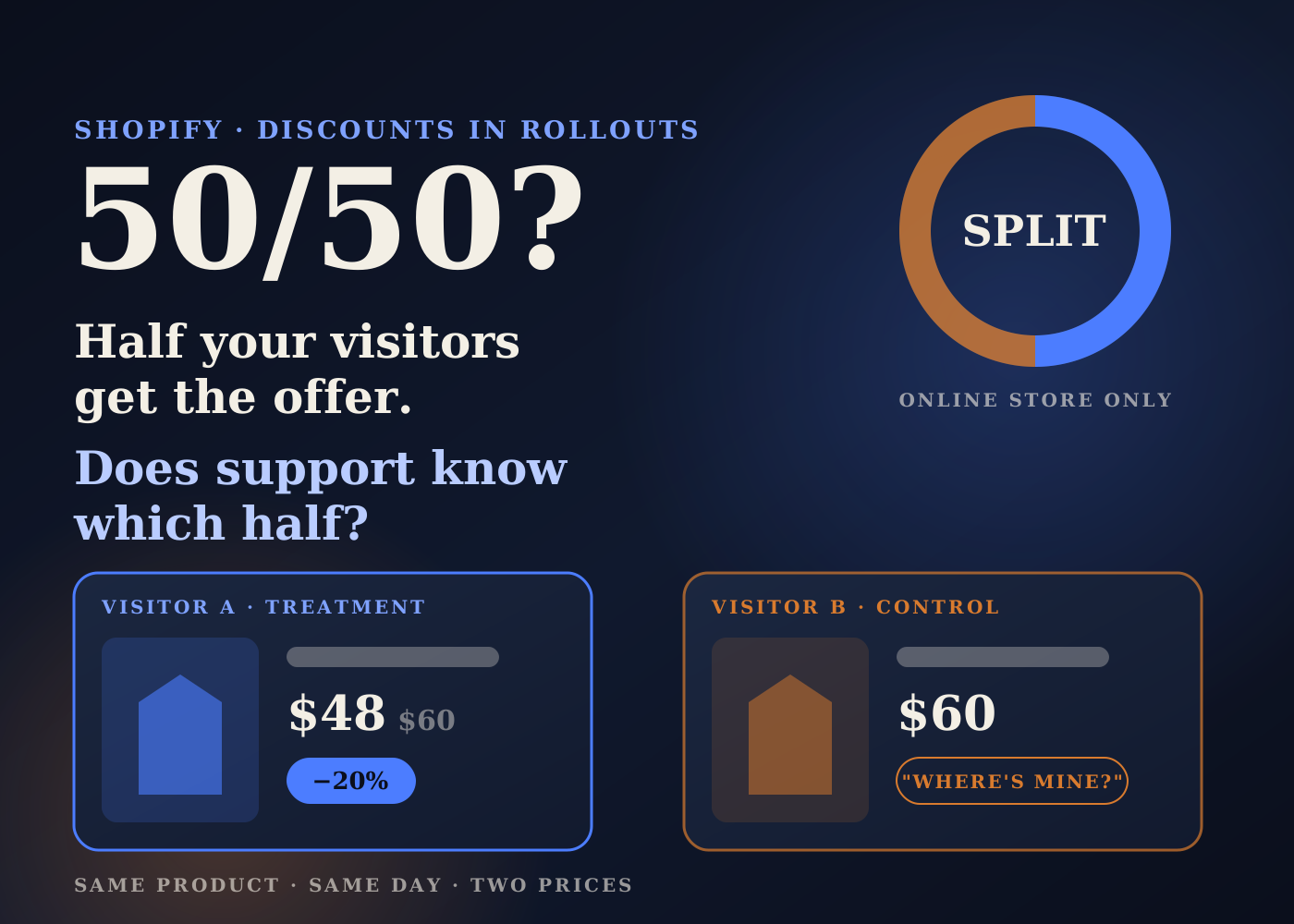
Shopify now lets you put discounts into Rollouts. You can schedule an offer, release it to part of your store's traffic first, or test it against no offer at all.
For peak season that is useful. It also means two customers can look at the same product on the same day and see different prices.
The marketing side of this is easy to picture. This post is about the backend side: who needs to know which visitors see the offer, and what to check before you start one.
Table of contents
What changed
Shopify's changelog on October 2, 2026 added discounts to Rollouts. Rollouts already handled scheduled and tested changes to themes and checkout.
The changelog lists three uses. Release a new offer to a share of your online store traffic and widen it later. Compare a new discount against current offers using conversion results. Or schedule a discount to go live together with theme and checkout changes.
Rollouts live under Markets, then Rollouts, in the admin. Shopify's help pages say Rollouts are on the Basic plan and up, and Experiments need Grow or higher.
How discounts behave inside a rollout
There are three rollout types. A Launch makes changes permanent. An Event runs for a set period, then rolls back. An Experiment compares a treatment group with a control group.
Shopify's requirements page lists some discount rules worth reading twice.
The control gets no discount. In an Experiment, you are testing the offer against no offer, not against another offer.
A discount keeps its own dates. Shopify says a discount is active for a visitor if its own dates apply or if a rollout activates it. A rollout that turns a discount off overrides its dates for visitors in that rollout.
One rollout at a time. A discount can sit in only one unended rollout, and one rollout can hold up to 250 discounts.
Combinations still apply. Treatment and control visitors may qualify for different discounts, so a combination can apply to one group and not the other.
Partial means online store only. Experiments, and rollouts below 100% of visitors, apply only to the online store. Shopify warns that ads, feeds, listings and apps might show different prices or offers while that runs.
The backend checks I'd run first
1. Tell support who sees the offer
If half your visitors see 20% off, the other half will hear about it. Some will message support asking why they didn't get it.
I'd give support a short note before the rollout starts: what the offer is, who sees it, when it ends, and what they are allowed to do if a customer asks. Decide that once, not ticket by ticket.
2. Watch the codes
Shopify's analytics page says discount codes activated in a rollout can be shared with visitors outside the tested group.
So a code posted in a deal forum can leak into your control group. For a clean test, my read is that an automatic discount is safer than a code people can pass around.
3. Check the discount's own dates
Because a discount's own active dates still apply, a discount that is already live by its dates is live for everyone. I'd check that before putting it into an Experiment, or the test won't be testing anything.
4. Measure margin yourself
Shopify's analytics page says rollouts with discount changes don't show discount-specific metrics such as discount revenue or attributed orders.
It also says visitors are counted when they reach a discounted stage, whether or not they are eligible, which can skew results. A higher conversion rate tells you more people bought. It doesn't tell you whether the offer paid for itself.
I'd pull orders and discount amounts for the test window from Shopify's own reports and work out margin after discount, shipping and returns before calling a winner.
5. Line up stock and fulfillment
If the offer works and you widen it to everyone, order volume moves with it. I'd check stock on the discounted products and warn the warehouse or 3PL before going from a small share to 100%.
A full rollout also reaches POS, feeds and checkout, according to Shopify's reach page. Connected channels update on their own schedule, so I'd check the main ones after a full launch.
The bigger picture: one change, many places
A discount used to be a setting with a start date and an end date. Now it can be a test, an event or a launch, shown to some visitors and not others.
That is a good tool. It also means the offer has to be written down somewhere everyone can see, the same way I'd want compare-at prices cleaned up before AI agents read them and checkout rules audited before peak.
If you run a Friday founder update, an active rollout belongs in it: what is live, for whom, until when, and what the margin looks like so far.
Pre-launch checklist
- Confirm your plan: Rollouts need Basic or higher, Experiments need Grow or higher.
- Give the person running it the Markets, Rollouts and Discounts permissions, and no more.
- Check the discount's own active dates so it isn't already live for everyone.
- Prefer automatic discounts over shareable codes for tests.
- Check combination settings, since groups may qualify for different discounts.
- Brief support: the offer, who sees it, the end date and what they can do for customers who missed it.
- Note that ads, feeds, listings and apps may show different prices during a partial rollout.
- Check stock and warn the warehouse or 3PL before widening to 100%.
- Work out margin after discount from your own reports before picking a winner.
- Log every active rollout where the team can see it.
Discount testing is a real step up for smaller brands. Treat each rollout like a small launch, and the backend won't be the last to find out.
Source: Shopify Changelog, October 2, 2026, plus Shopify Help Center pages on Rollouts, requirements and considerations, reach and external channels and rollout analytics. The checks are my own operator view.
Frequently asked questions
Which Shopify plans can use discount rollouts?
Shopify's help pages say Rollouts are available on Basic or higher. Experiments, which compare a treatment against a control, need Grow or higher.
In a discount experiment, what does the control group see?
No discount. Shopify's requirements page says the control has no discount, so the test compares the offer against no offer.
Will my ads and product feeds show the test price?
Not during a partial rollout. Shopify says partial rollouts and Experiments apply only to the online store, and ads, feeds, listings and apps might show different prices or offers.
Does rollout analytics show discount revenue?
No. Shopify's analytics page says rollouts with discount changes don't include discount-specific metrics such as discount revenue or attributed orders, so work out margin from your own reports.