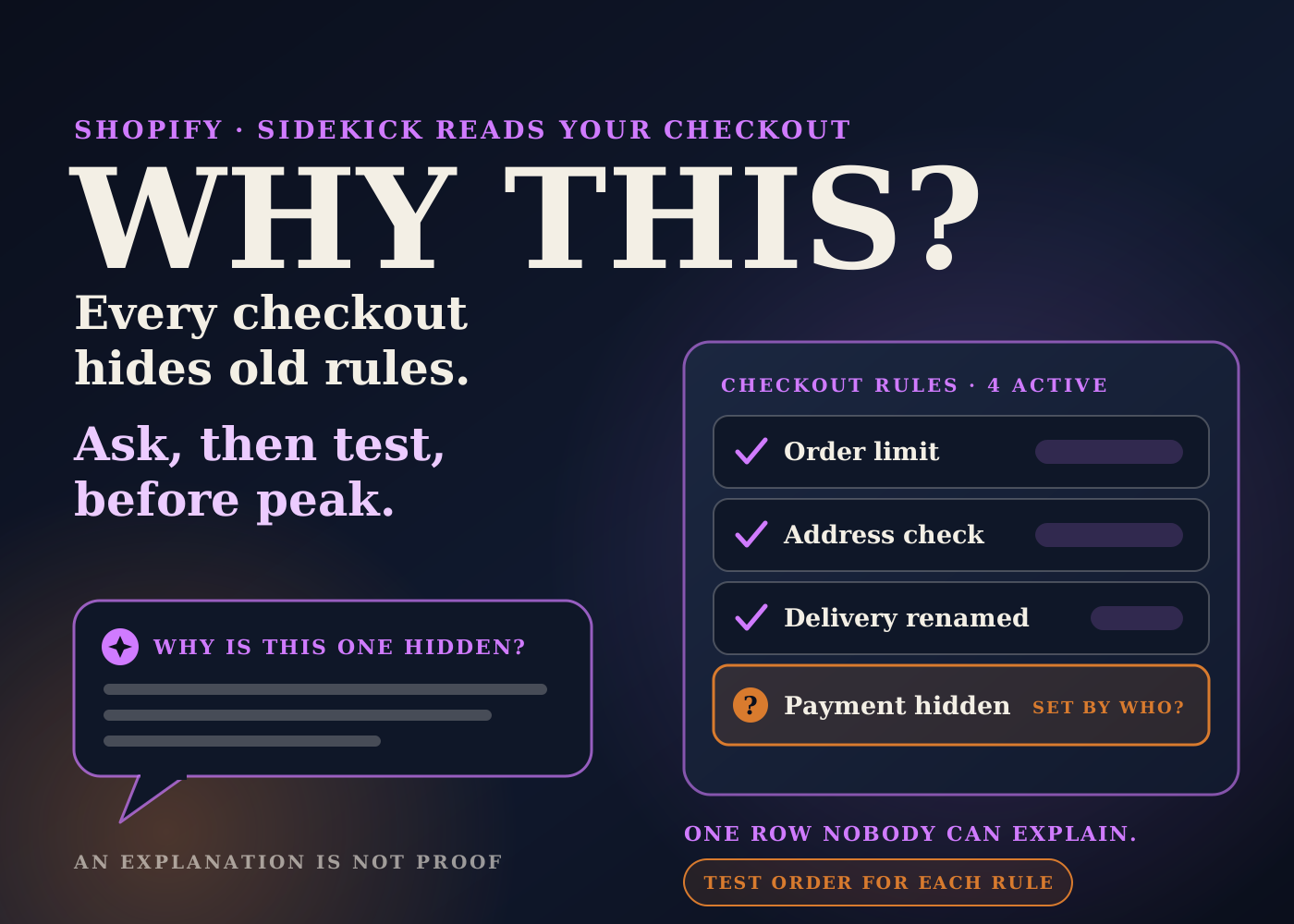
Shopify's changelog on October 13 says Sidekick now works inside the checkout and accounts editor and the Checkout Blocks app. It can explain how your checkout is configured, and why.
That sounds like a feature for designers. I read it as an operations tool. Checkout is where a lot of quiet rules live: hidden payment methods, renamed delivery options, order limits, address checks.
Most stores have a few of those rules that nobody remembers setting up. Peak season is a bad time to find them. Here is how I'd use the update to run a checkout audit now.
Table of contents
What changed on October 13
There are two parts to the update.
In the checkout and accounts editor, on desktop, Sidekick can explain how to configure checkout and customer account settings. It can also recommend apps and search the Shopify Help Center.
In the Checkout Blocks app, Sidekick can help plan blocks and functions for the checkout, thank you and order status pages. It can explain how payment, delivery and validation functions work, and review your current setup and the reasons behind it.
The changelog says Sidekick points you to the settings or steps you need, and you make the change yourself. Shopify's Sidekick help page adds that when it does propose changes, they are shown for your review before they apply.
Why this is an operations story
Checkout Blocks is a free Shopify app. According to its App Store listing, any plan can use it for thank you and order status page blocks, order value limits and address format rules.
On Shopify Plus, the listing says it can also customize the full checkout, add custom order and shipping discounts, and hide, rename or reorder delivery and payment methods.
Every one of those is an operations rule. An order limit decides which orders go through. A hidden delivery method decides how an order ships. An address rule decides which orders reach your warehouse with a usable address.
My read: these rules are often set up once, by an agency or a past hire, for a reason that made sense at the time. Then the reason is forgotten and the rule stays.
An assistant that can read the current setup and explain it is a cheap way to make that list visible again. That is the part of this update I care about.
How I'd run the audit
Step 1: list what is there
Open the checkout and accounts editor and the Checkout Blocks app. Ask Sidekick to walk through the current configuration: which functions are active, what each one does, and what triggers it.
Write the answers into one sheet. One row per rule, with what it does and where it lives.
Step 2: ask why each rule exists
The changelog says Sidekick can review your setup and the reasons behind it. Use that, then check the answer against your own records and the people who were there.
If nobody can explain a rule, mark it. That is the row to look at first.
Step 3: test it like a customer
An explanation is not proof. I'd place test orders that hit each rule: an order over the value limit, an address the format rule should catch, a cart that should hide a delivery option.
If what happens doesn't match what you were told, trust the test order.
Step 4: give each rule an owner
Add an owner and a review date to every row. Payment and delivery rules usually belong to operations. Discounts belong to whoever runs promotions.
Then freeze changes for peak, except fixes. A checkout rule changed in a hurry during a sale is how orders go missing.
The bigger picture
This isn't the only recent Shopify update that builds on settings you already have. Store policies can now be generated from your settings, and shipping rates are moving into Markets.
My take is the same each time. The tool can explain, draft or move things for you. Knowing whether the setup matches how your business actually runs is still a person's job.
I wrote about that line in where AI actually helps run a Shopify backend. Using Sidekick to read your checkout back to you sits firmly on the useful side of it.
Checkout audit checklist
- Ask Sidekick to list every active checkout rule, function and block, and copy the answers into one sheet.
- For each rule, note what it does, where it lives and why it was added.
- Flag any rule nobody on the team can explain.
- Check order value limits against your largest real orders, including wholesale or bundle orders.
- Check hidden or renamed delivery and payment methods against your current carriers and payment setup.
- Check address rules against the countries you ship to.
- Place a test order for each rule and compare the result with the explanation.
- Give every rule an owner and a review date.
- Agree a change freeze for peak, with fixes only.
Sidekick won't run your checkout for you, and the changelog doesn't claim it will. Used as a reader of your own setup, it is a quick way into an audit most stores keep putting off.
Source: Shopify Changelog, October 13, 2026, with plan details from the Checkout Blocks App Store listing and review behaviour from the Shopify Help Center Sidekick page. The audit method is my own operator view.
Frequently asked questions
What can Sidekick now do in checkout?
In the checkout and accounts editor on desktop, it can explain checkout and customer account settings, recommend apps and search the Help Center. In Checkout Blocks, it can explain payment, delivery and validation functions and review your current setup and the reasons behind it.
Does Sidekick change my checkout on its own?
The changelog says it points you to the settings or steps, and you make the change. Shopify's Sidekick help page says proposed changes are shown for your review before they apply.
Do I need Shopify Plus for Checkout Blocks?
Not for everything. The App Store listing shows thank you and order status blocks, order value limits and address rules without a Plus label. Full checkout customization, custom discounts, and hiding or reordering delivery and payment methods are marked Plus.
How do I know Sidekick's explanation is right?
Test it. Place a test order that hits each rule and compare what happens with what you were told. If they differ, trust the test order.